
ChatGPT Millionaire
Create your comedy reaction
Preview the fixed comedy reference
This fixed reference supplies the phone performance and comic reaction. Your uploaded image supplies the main character’s appearance.
History
Loading history…
A restrained reaction with a clear visual setup
Turn a composed portrait into an unexpectedly comic exchange. ChatGPT Millionaire uses a fixed phone-reaction reference and one subject image to build a short remake. Choose a clear face, inspect the reference and check the current quote before generating.
Your photo establishes appearance while the supplied clip guides the performance. The exaggerated ambition is a comedy premise, not financial advice or a guarantee of success. You need one image; no recorded dialogue or action footage is required to begin.

How to create your ChatGPT Millionaire remake
1. Choose a face-first photograph
Select a sharp portrait with natural proportions and visible eyes. Leave a little space around the head and shoulders. A clean source is preferable to a heavily edited image with glasses reflections or a hidden mouth.
2. Watch the framing and gesture
Preview the fixed clip and look at where the phone sits relative to the face. Notice the progression from expectation to reaction. Those details define the scene being adapted, rather than the setting in your source photo.
3. Upload and check the task estimate
Add the image using the main-character slot. Review the output options that are available for the model, then read the displayed credit quote. Changes to settings can change the estimate; the task already includes its motion reference.
4. Compare more than the opening frame
Use History to watch the completed take. Check the eyes, glasses, fingers and phone during the expression change. A convincing first frame is useful, but consistency across the clip determines whether the reaction works.
Keep the source simple enough to read
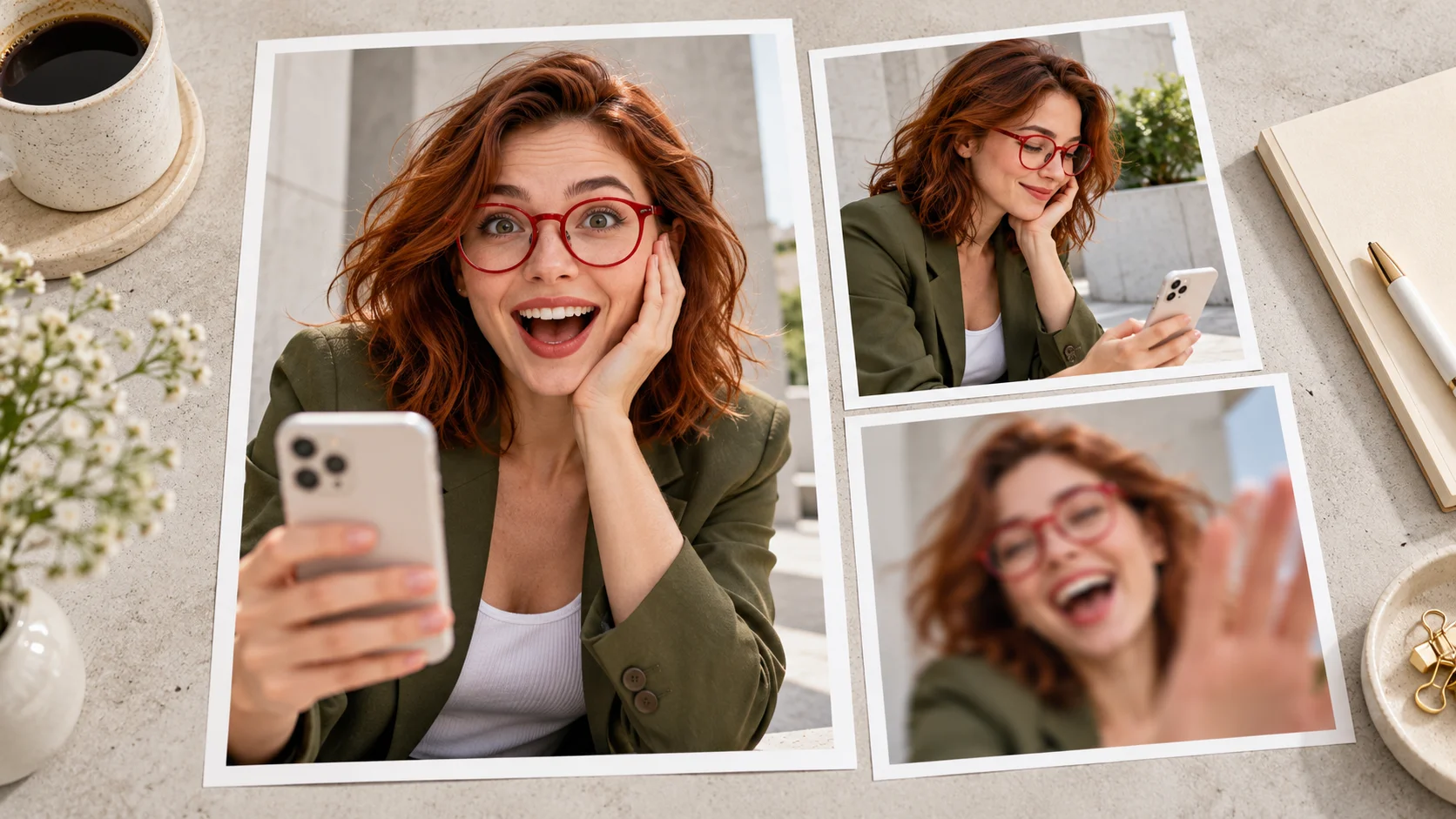
The olive-blazer portrait uses a plain backdrop and clear red glasses as a recognizable detail. When preparing your own image, avoid strong lens glare or a hand near the face. You want enough visual information for the subject to remain recognizable when the pose changes.
The contact sheet illustrates a selection process. Use the sharp frontal view as the starting image rather than the blurred alternative. This does not guarantee perfect likeness; it gives you a clearer basis for comparing the result with the source.
Look for a believable change of attention
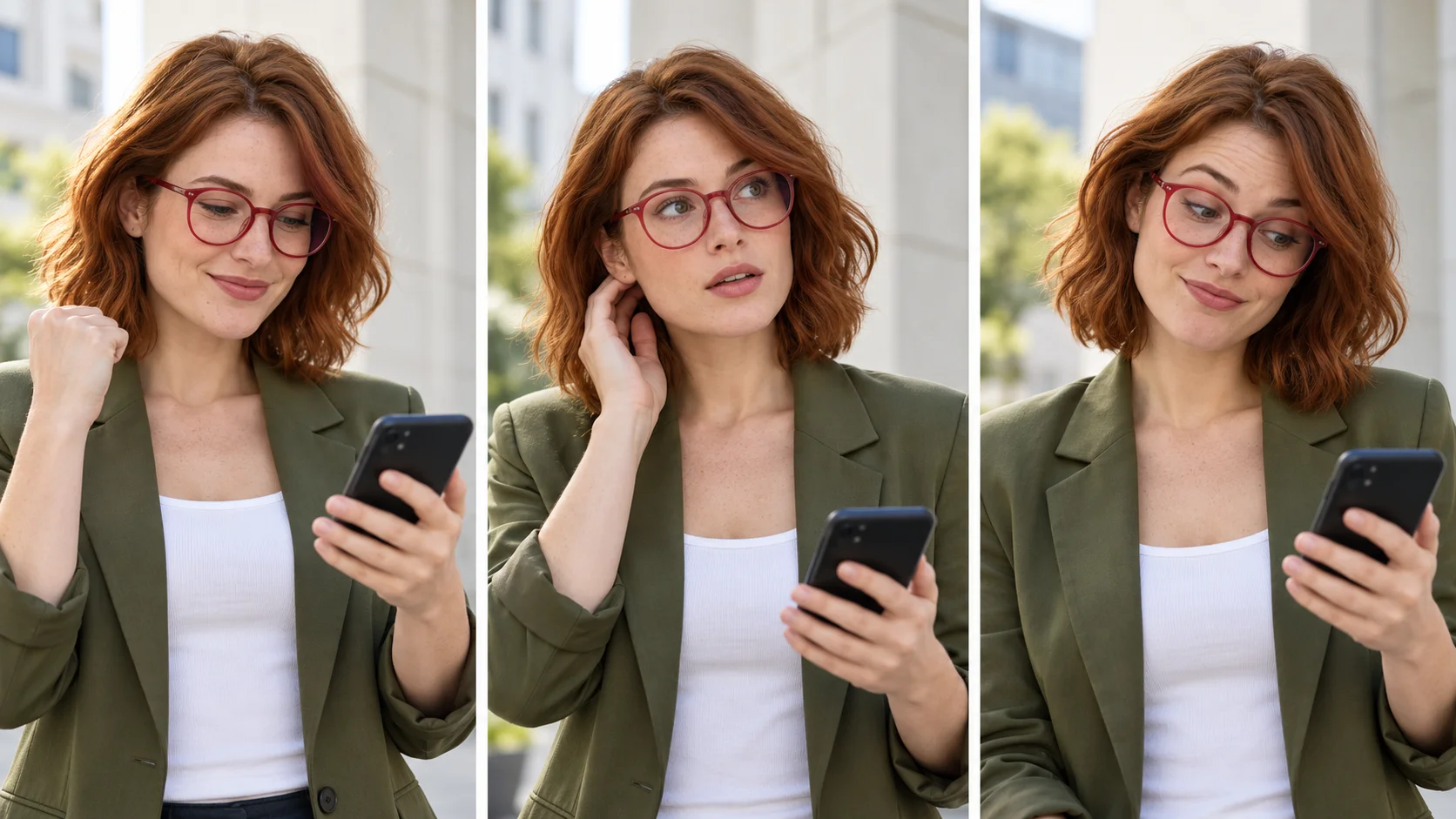
A small eye movement or a brief pause can explain the joke before a larger reaction arrives. The three-panel study keeps the phone low enough that the expression remains visible. Use it as a continuity checklist while the actual video reference supplies the motion.
During playback, look for the phone rotating unexpectedly or glasses drifting away from the face. Pause only after watching at normal speed so a technically neat still frame does not distract from an awkward transition. Exact original dialogue and timing are not promised.
Protect the gesture when changing the crop

A portrait crop can keep a face prominent, but it can also cut off the phone or the hand that explains the scene. Compare a wide view with your intended vertical framing before deciding what to share. Keep later captions outside the eyes and mouth.
The composition board is an editorial framing idea, not a second selectable scene. Your source background does not control the final setting. Review any audio and the final crop together so the visual reaction and the tone still support the same joke.
Input, cost and result questions
What kind of source image should I use?
Use one clear portrait with visible eyes and mouth. A distracting background is less useful than readable facial features. Avoid several subjects when you want one person to lead the scene.
Can I upload my own action clip here?
This page uses a fixed reference and requires one appearance image. Choose a separate video-to-video workflow when you want to work from a different motion source.
Is this connected to a real wealth promise?
The title describes a comedy trend. The output is an entertainment video, not a financial recommendation, earnings prediction or actual plan for becoming a millionaire.
Is there a free option?
Access depends on the current model and your account. Check the form and current Pricing details. This guide does not claim a free trial, a fixed allowance or unlimited generation.
How are price and processing shown?
Read the live credit estimate before submission and recheck it after setting changes. Once submitted, use the task status and History. Queue conditions vary, so a fixed turnaround is not promised.
What if the hands or glasses look wrong?
Inspect the full take before saving. A clearer portrait or fewer distracting accessories can provide a simpler starting point, but no prompt or source guarantees perfect detail during movement.
Explore another part of the workflow
Prepare another portrait
Develop a clean appearance image for your next reaction study.
Explore general video creation
Choose a different direction when the fixed reference does not fit.
Review current plan options
Compare plans and the specific quote shown in the generator.
flux3-image.com · Updated
What's new on this page
- — Added photo inputs, a motion reference preview and guidance for creating this video effect.