
Set the two portrait positions
Upload your left and right PNG or JPG, up to 10 MB per image. Keep face size and shoulder height comparable. Prepare the joined image while signed in, and correct any crop before continuing.
Left photo + right photo + motion video
Take an image-first approach to Hotel Lobby AI. Prepare a shared duo frame from a left and right portrait, then add a motion reference for the video workflow. flux3 image gives you a composition to inspect before you choose how that image should move.
Prepare a performance shotPrepare a duo image from your two photos, then add a motion reference. Sign in to upload and review the model and credit quote before generating.
Two performers, a suspended microphone and a simple orange backdrop.
Compare the gap between performers, microphone height and the orange backdrop. These collected videos are visual references, not flux3 image results. Watching a reference does not apply its identities or provide an original prompt.
Two performers, a suspended microphone and a simple orange backdrop.
Contrasting outfits and an energetic performance in the same studio setup.
A playful pairing with a clear gap between the two subjects.
Costume silhouettes make the left and right performers easy to distinguish.
Illustrated characters bring a different visual treatment to the duo format.
An intergenerational pairing uses matching staging and contrasting identities.
A character and an animal sidekick share a readable performance space.
A studio performance with a suspended microphone and a warm orange backdrop.
Use the stills to inspect silhouettes and camera height, then prepare your own permitted images. Two upload halves give you a shared start frame; they do not automatically merge backgrounds into a studio photograph.
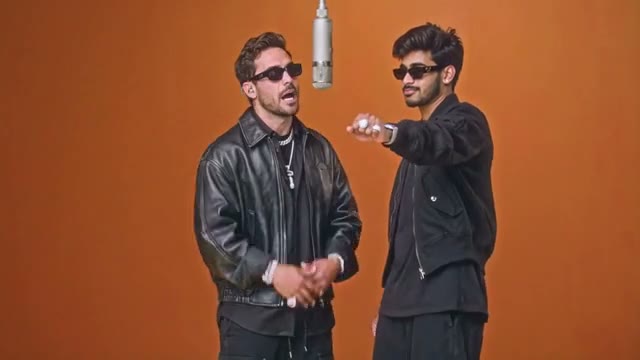
Two performers, a suspended microphone and a simple orange backdrop.
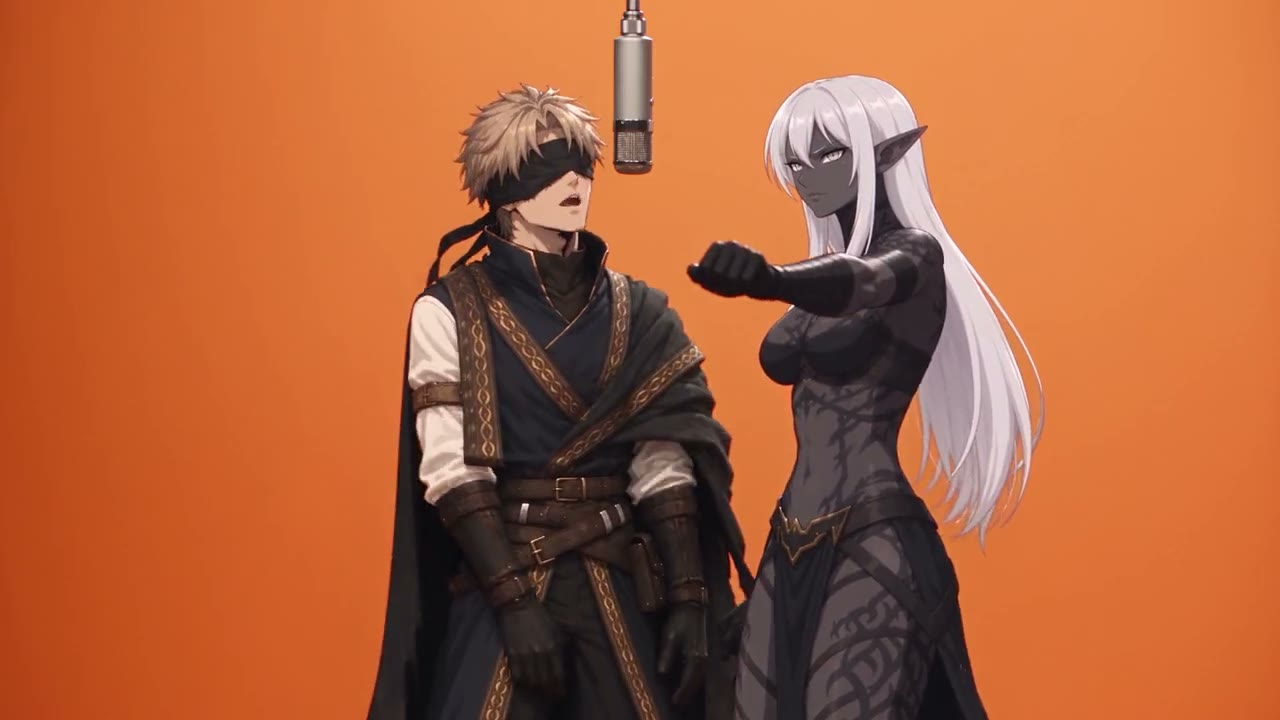
Illustrated characters bring a different visual treatment to the duo format.
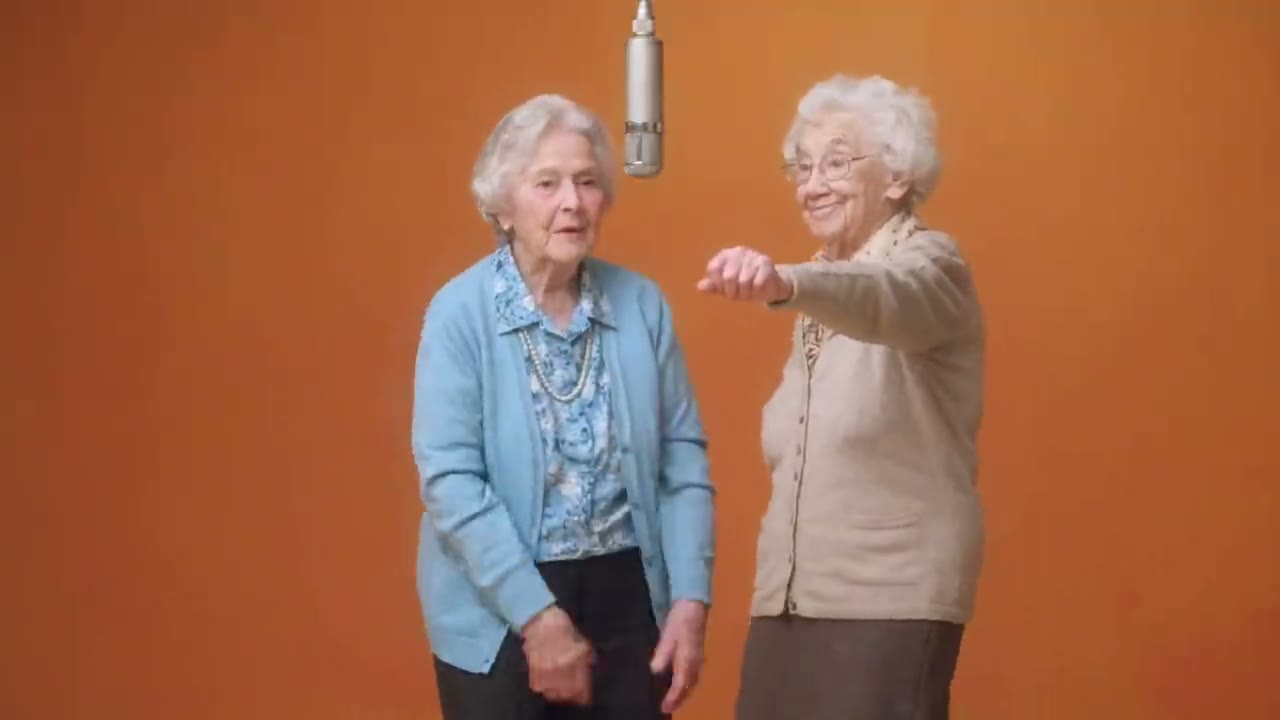
Contrasting outfits and an energetic performance in the same studio setup.
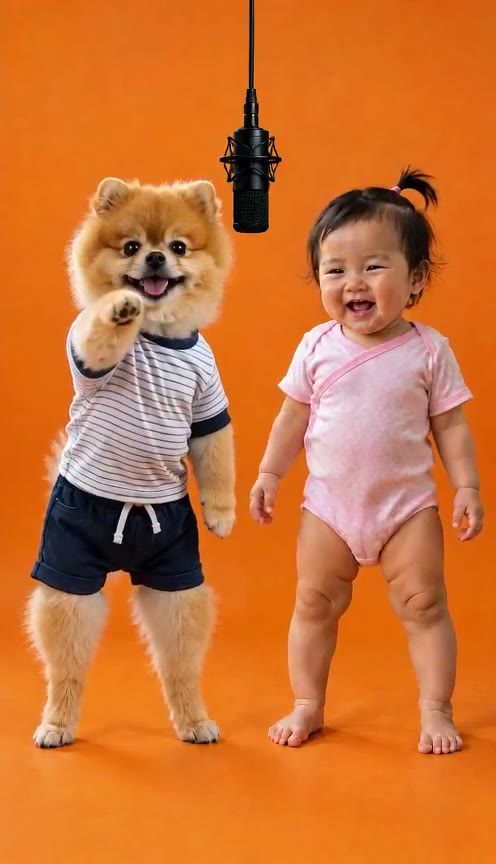
A playful pairing with a clear gap between the two subjects.
Finish the visual composition before adding motion. The two upload positions prepare one image, which is paired with a permitted motion video in the generator. The motion reference guides the attempt; it does not assign independent face replacements or guarantee that both subjects follow a complex routine. Review the actual model settings and quote before submitting.
Upload your left and right PNG or JPG, up to 10 MB per image. Keep face size and shoulder height comparable. Prepare the joined image while signed in, and correct any crop before continuing.
Add a permitted motion video with clear gestures and limited face occlusion. Favor a reference that suits the scale and pose of your duo composition. The collected gallery remains inspiration rather than an automatic template.
Choose the actual available model and inspect its quote and output settings. Generate when the composition and motion input are ready. Check both subjects throughout the result, then compare it with your prepared image.
The start image determines what the model can see clearly. Resolve visible design decisions before adding a performance reference.
Use portraits whose eye lines and shoulder framing agree. A large scale difference makes it harder to judge whether motion preserves the pair.
Give the pair complementary clothing colors and a simple scene direction. Keep fine lettering or exact brand marks for later editing because they can change during video generation.
A reference supplies motion cues, while the prepared image supplies a combined composition. Those inputs need to make sense together.
Use a small nod or sway with visible faces rather than crossing arms or rapid turns. A two-subject result needs inspection even when the reference looks clear.
Two photos do not independently lock two identities onto a source performance. Inspect facial details, proportions and left/right positions from opening to ending.
Select the moving result with the same care you would apply to a still composition.
Look at the beginning, midpoint and ending for changing outfits, drifting faces and background seams. An attractive first frame does not establish consistency.
Exact lyrics, original music and clean typography are not promised. Check generated sound when offered by the selected model, then add authorized audio and accurate titles in your editor.
Suggested prompts describe the intended look. They are not generated examples or guarantees of the result; motion still comes from the reference video.
Two original portrait subjects remain side by side in a plain orange studio, suspended microphone, complementary clothing colors, soft frontal light and a steady waist-up camera. Keep both faces unobstructed as movement is guided by the uploaded motion reference.
Two original illustrated performers with matching outline weight, contrasting jacket colors and a clear gap between silhouettes. Warm orange background, fixed medium camera, restrained movement guided by the permitted reference video.
The two upload positions prepare one side-by-side duo image. Pair that image with a permitted motion video for this workflow. These inputs do not independently assign or replace the two faces in a source performance.
Resolve major visual changes in the source images first, then prepare the duo again. Asking one video prompt to redesign faces, wardrobe and motion together makes the output harder to compare. Video rendering remains separate from image editing.
No. The collected gallery illustrates framing and styling, and choosing a reference changes what you watch. Use your own permitted images and motion input. Original prompts and generating models are not claimed when they are unknown.
It supplies movement cues for the selected model to interpret alongside the prepared image. Exact timing, choreography, facial consistency and two independently controlled subjects are not guaranteed. Review the complete generated clip.
Browsing collected references and preparing the duo image do not submit a video task. Rendering on flux3 image requires a signed-in account and enough credits for the selected model and settings. Review the live quote and your balance before submitting.
Neither original music nor precise lip synchronization is promised. Audio depends on the actual model and settings. Check the output, then use a soundtrack you are permitted to process and publish.
Begin with clear, compatible portraits and a motion reference that does not hide faces or cause strong overlap. Reduce motion complexity and check the whole clip. The combined start image contains the visible details the model can use; it is not an identity lock.
Keep one clear composition and a modest motion reference for your first performance. Inspect the full result, then make a single deliberate change to the image or movement brief.
Prepare a performance shot