
A carefully composed pixel scene
Minecraft Pixel Art
Create Minecraft Pixel Art
History
Build a deliberate pixel-art composition from a reference image or a short scene description. Separate foreground, subject, and background into readable shapes. Upload a scene, building, object or character reference. Describe the focal point and palette, then generate a blocky pixel-art image for a visual project.
Create Minecraft Pixel ArtHow to use Minecraft Pixel Art
Plan the image for landscape art, architecture concepts, and social graphics. Start with a suitable reference and use the live generator above.
1. Select a clear reference
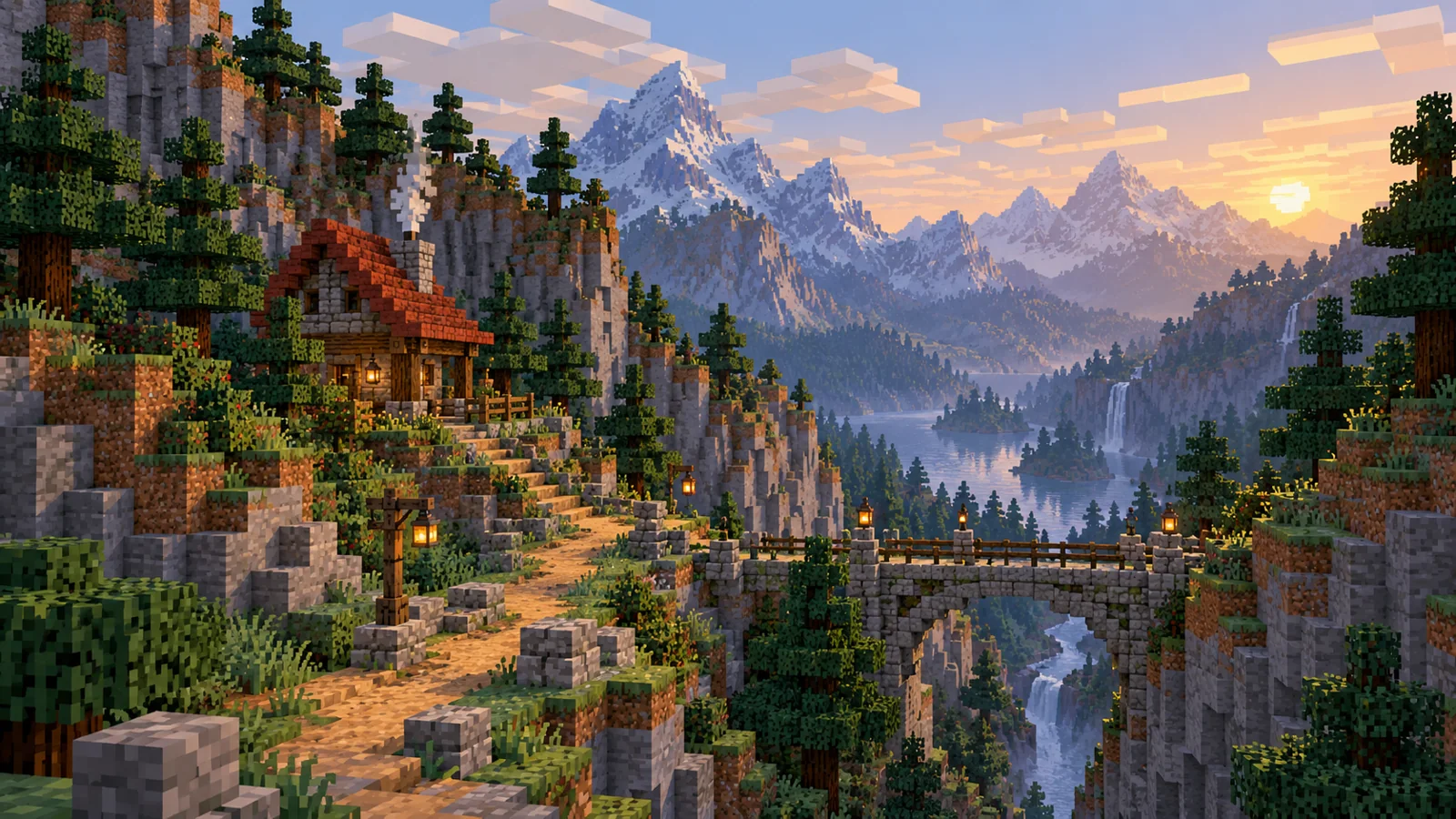
A mountain pass, market stall or canyon bridge gives the artwork a deliberate focal line. Select a reference with distinct foreground and distance.
2. Simplify the composition
Set a rust, sandstone and sage palette. Place the main structure where the path or bridge draws the viewer into the scene.
3. Check the output
Check the bridge or cabin at a small preview size. If the architecture merges with the hills, simplify the backdrop and increase contrast.
Marketplace, Canyon bridge and Village square
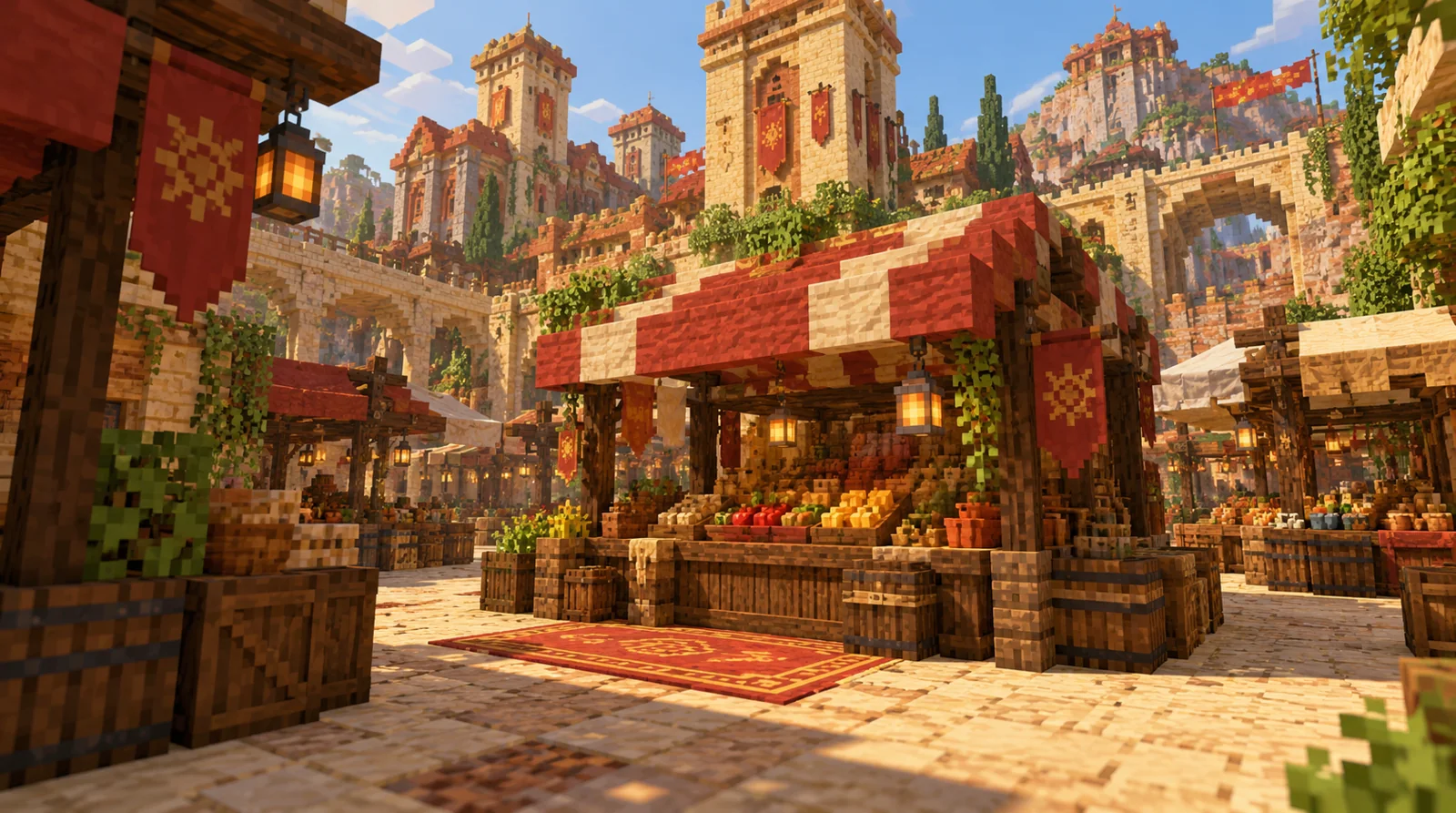
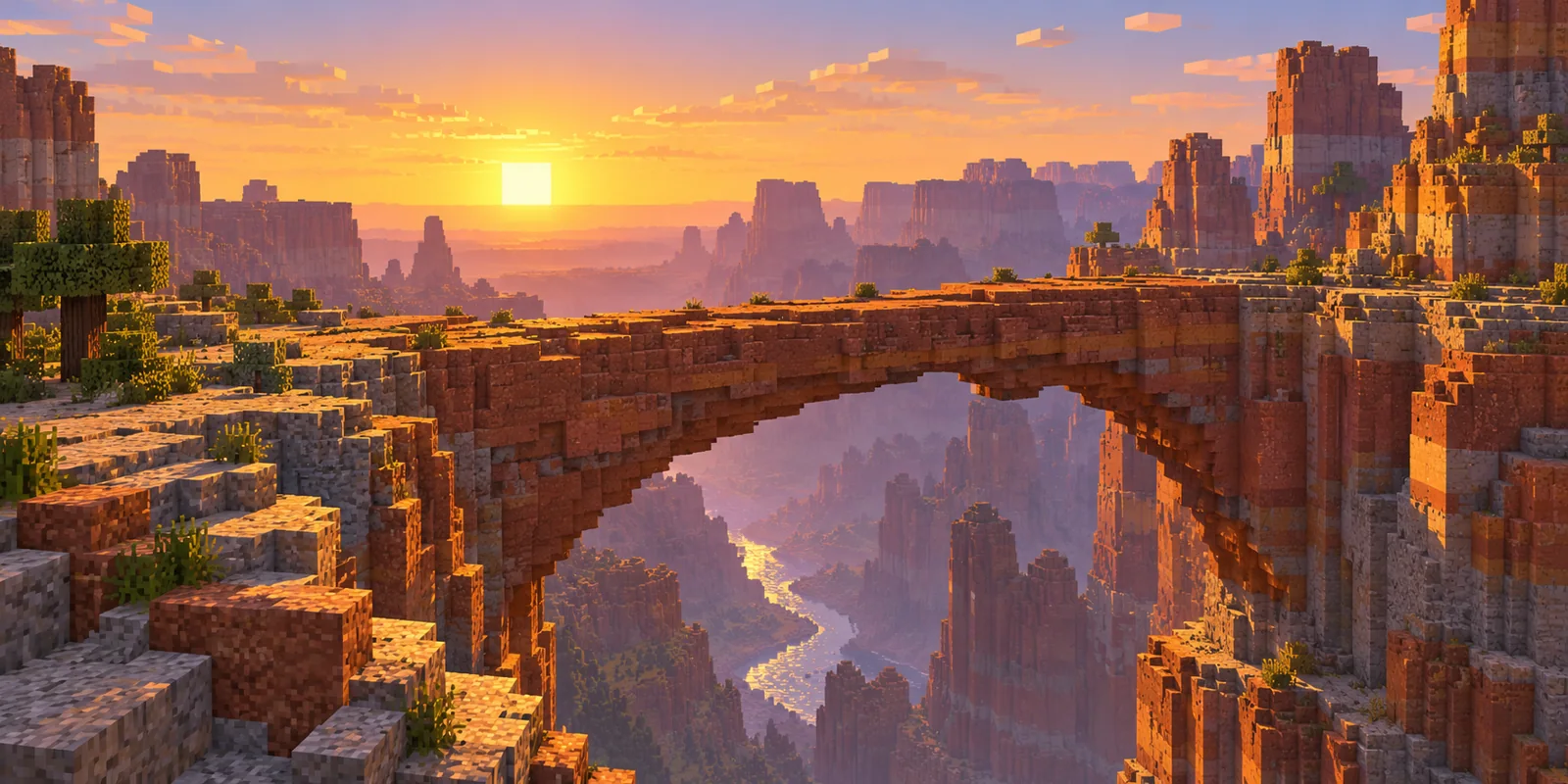
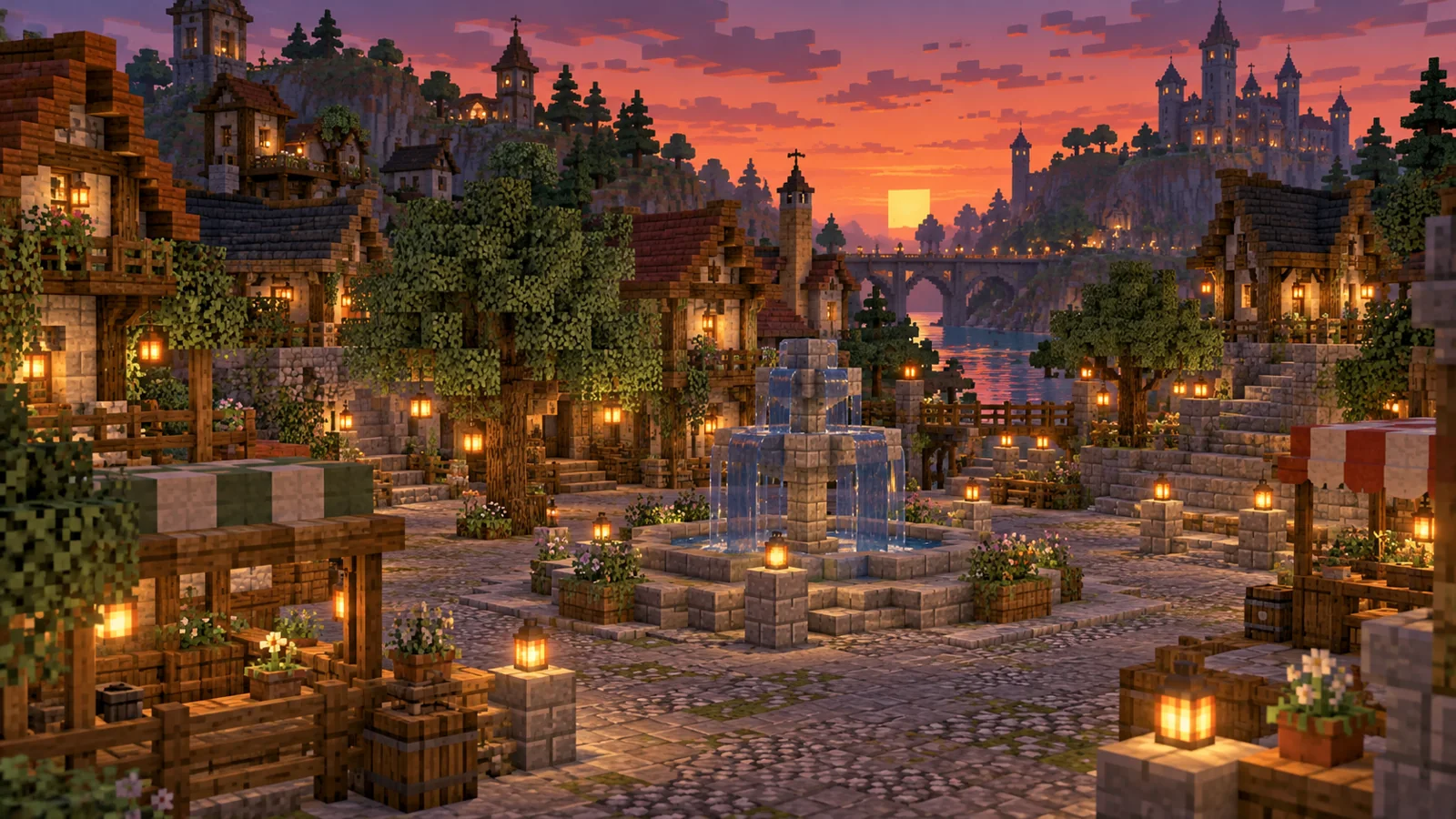
Ideas for flux3-image.com
A carefully composed pixel scene This workflow suits landscape art, architecture concepts, and social graphics. Keep the main subject visible and use one image direction per generation.
Minecraft Pixel Art FAQ
Can I start with my own image?
Upload a scene with one clear structure, then identify which roof, bridge or path should remain recognizable in the pixel treatment.
Is the result a game world or build schematic?
You receive a still image for visual planning or sharing. The tool does not generate a block placement list or playable world.
Can I create a character for the scene?
Design a rust-coat traveler with Image to Minecraft Skin here, then use that character as inspiration for the landscape.
Related image tools
Continue with another image direction on this site.
Create an Image to Minecraft Skin character
flux3-image.com · Updated
What's new on this page
- — Added an image generator, visual examples and guidance for this creative task. Added editable example prompts and separate drafts for text and reference modes, with an action to restore the example.